
Search
Find anything, from anywhere.
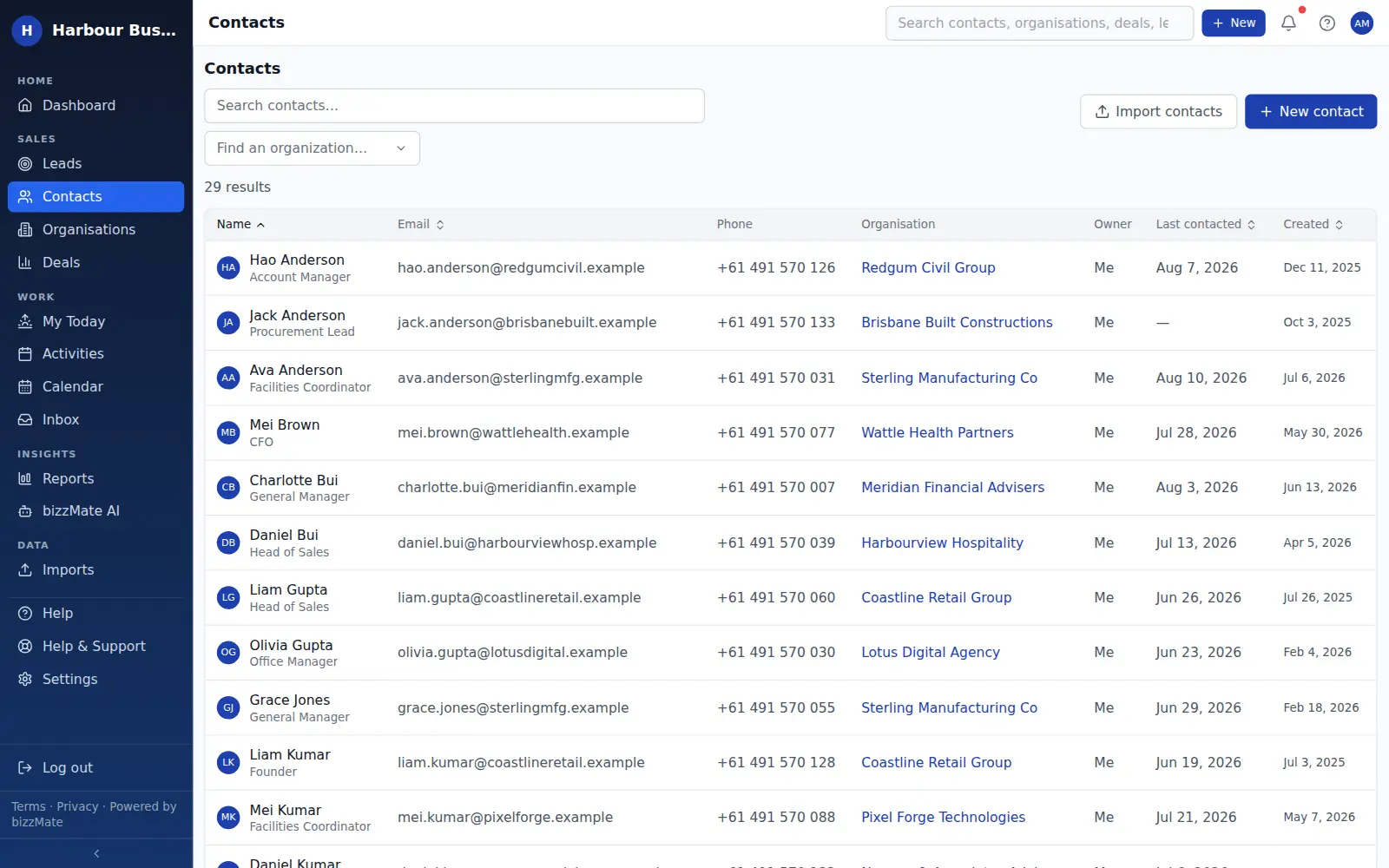
One search box, always in the header, covering contacts, organisations, deals and leads — because a CRM you cannot search quickly is a CRM people stop opening.
No credit card required · Set up in minutes · AUD pricing
Why it matters
What search is for
Search is the feature nobody puts on a comparison chart and everybody uses fifty times a day.
bizzMate indexes your records so that partial names, company names and deal titles all resolve fast, with the type of each result labelled so you land on the right thing first time.
At a glance
- Contacts, organisations, deals and leads in one result list
- Results labelled by type, with useful context under each
- Available from the header on every screen
- Scoped to your workspace and your permissions
Capabilities
What it actually does
Every item below is a shipped part of bizzMate today — not a roadmap entry.
One box, four record types
Results are grouped so a person, a company and an opportunity with similar names do not get confused with each other.
Context in the result
Each result carries a second line — a contact's email, an organisation's domain, a deal's status — so you can choose without opening three records.
Isolated to your workspace
Search runs inside your own workspace only. Multi-tenant isolation is enforced at the database level, which the security page explains in detail.
Filters where lists live
Beyond global search, every list — contacts, organisations, deals, activities, leads — has its own filters and sorting for working a segment rather than finding one record.
How it works
How it fits a working day
Step 1: Type what you remember
Part of a name, a company, a deal title. You rarely need to remember which section a record lives in.
Step 2: Land in the workspace
Results link straight into the record workspace, so you arrive with the history already in front of you.
Frequently asked questions
- Can I search inside notes and activity?
- Global search covers contacts, organisations, deals and leads. Activity and timeline entries are browsed and filtered from the record they belong to rather than through global search.
- Can search return another company's records?
- No. Every workspace's data is isolated from every other workspace in the data layer, and search inherits that boundary.
Explore related capabilities
- Contact managementPeople, roles, ownership and when you last actually spoke.
- Customer workspaceOne screen per record: detail, timeline, related deals and files.
- Organisation managementCompany records holding every person and every open deal.
- Security & privacyHow workspace isolation, access control and backups actually work.
Try search on your own customers.
Start a free 15-day trial of bizzMate and set your workspace up in an afternoon. No credit card required.
No credit card required.